Tutorials#

How to use widgets, ui, actor and windows module. Below some examples and apps to go in details.

Introductory#

Examples of the basic usage of the library, including how to create a simple model, how to train it, and how to make predictions with it.
Using FURY with Qt

Using FURY with Qt

Quick Visualization

Quick Visualization

3D Text Actor

3D Text Actor

Multi Screen Example

Multi Screen Example

ImGui Integration Example

ImGui Integration Example

Using FURY with Qt

Using FURY with Qt

Demos#

Below is a gallery of Demos. A bunch of apps powered by FURY.
Adding a Skybox

Adding a Skybox

Line Projection Visualization

Line Projection Visualization

Force-Directed Network Visualization

Force-Directed Network Visualization

Streamlines: Simple ROI Mask

Streamlines: Simple ROI Mask

3D Image Slicer

3D Image Slicer

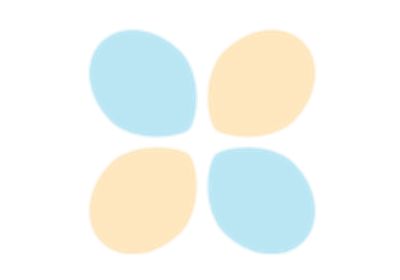
Spherical Harmonics Order Visualization

Spherical Harmonics Order Visualization

Vector Field Visualization with Slicer Actor

Vector Field Visualization with Slicer Actor

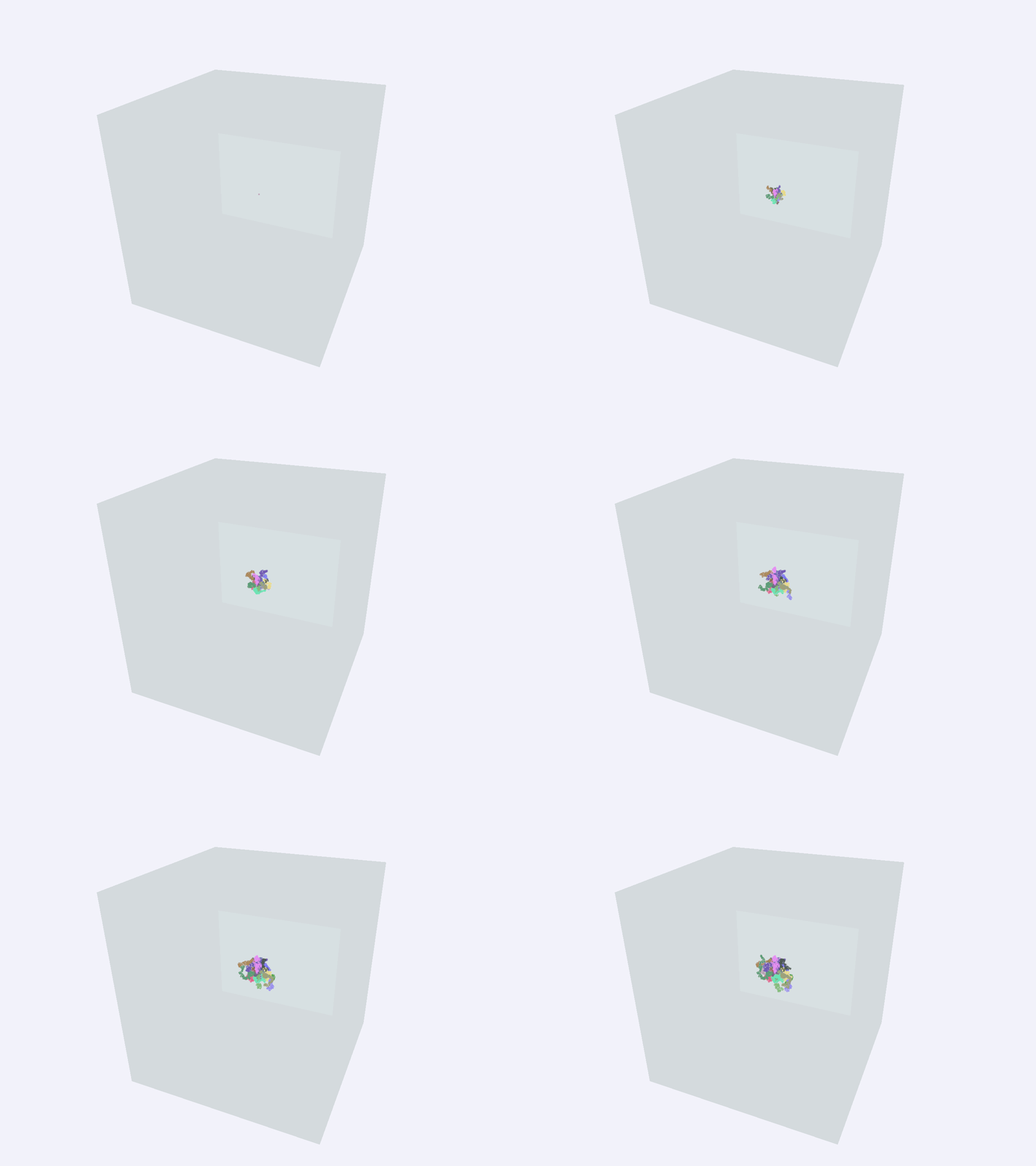
Brownian Motion 3D Simulation

Brownian Motion 3D Simulation

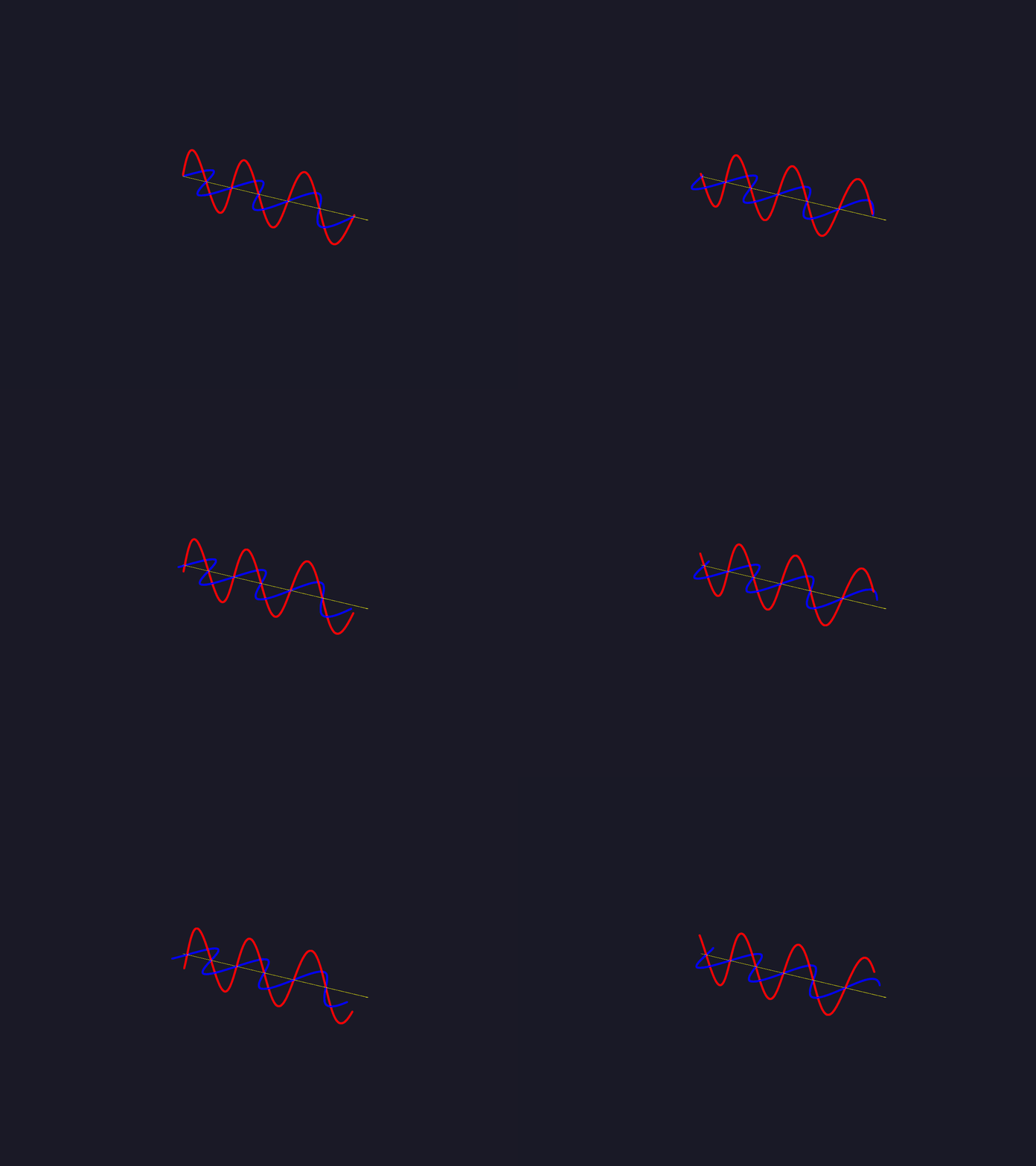
Electromagnetic Wave Propagation Animation

Electromagnetic Wave Propagation Animation

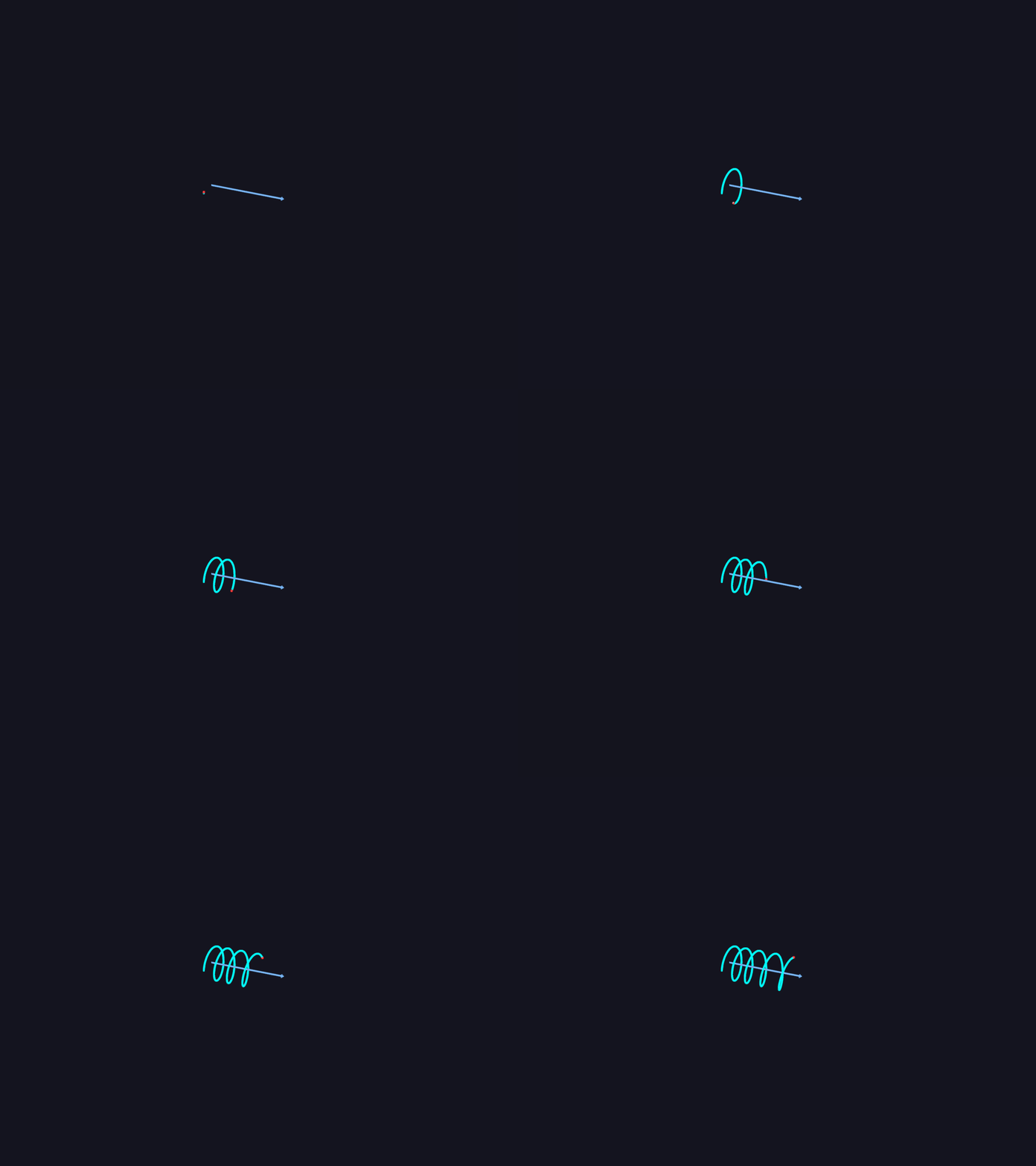
Motion of a Charged Particle in Combined Fields

Motion of a Charged Particle in Combined Fields

3D Contour Surfaces

3D Contour Surfaces

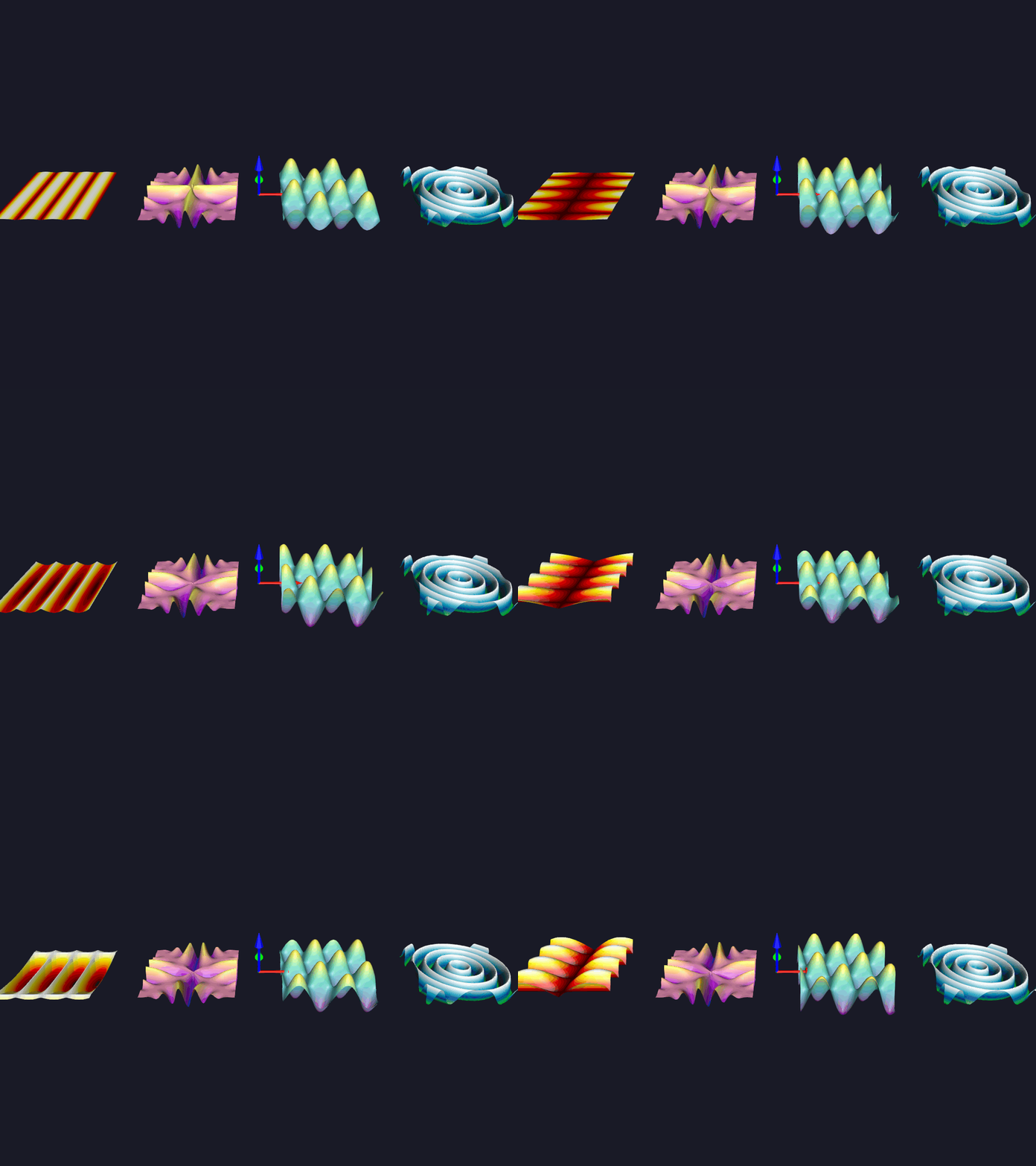
Animated 2D Functions

Animated 2D Functions

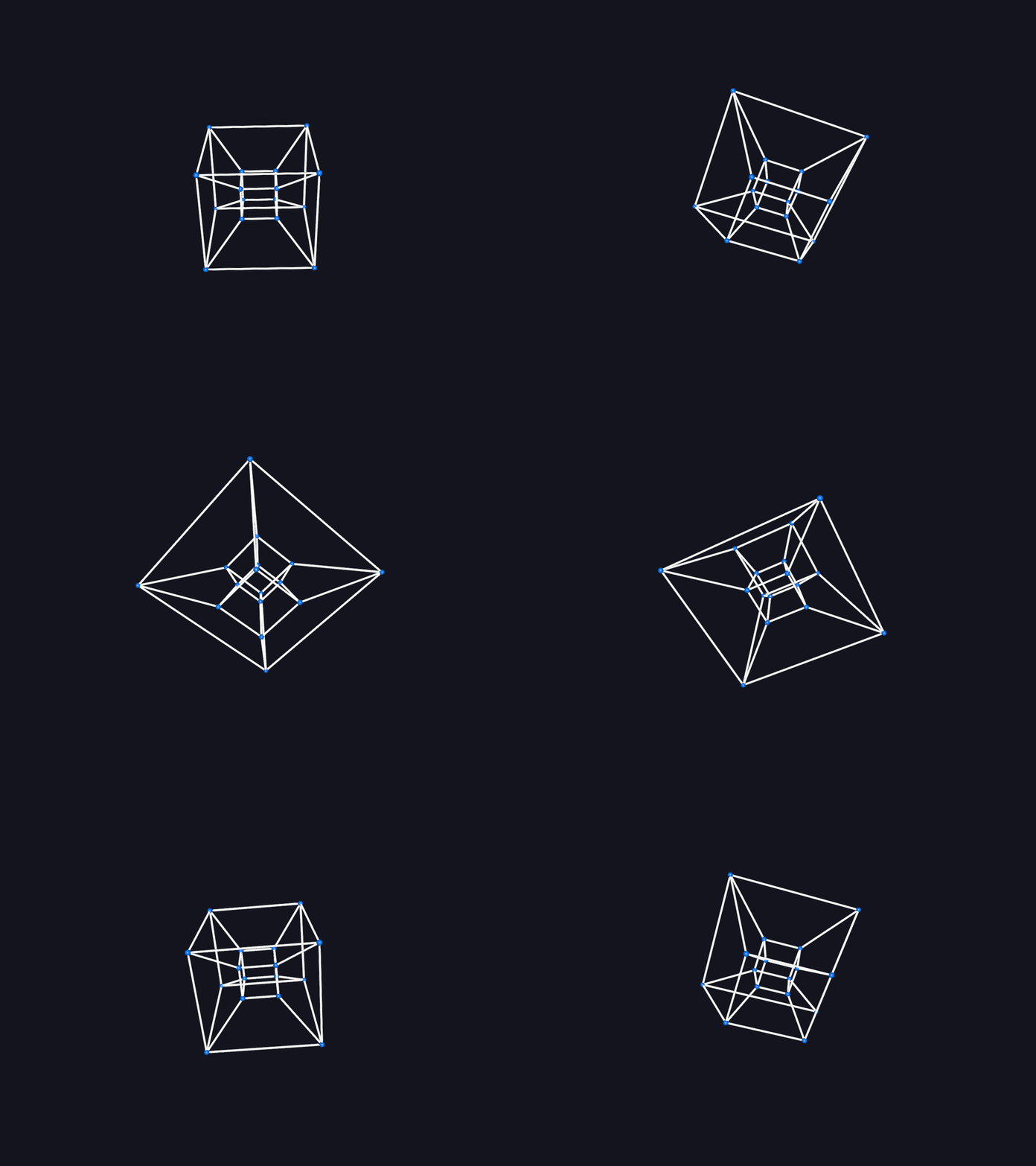
Tesseract (Hypercube) 4D Rotation

Tesseract (Hypercube) 4D Rotation

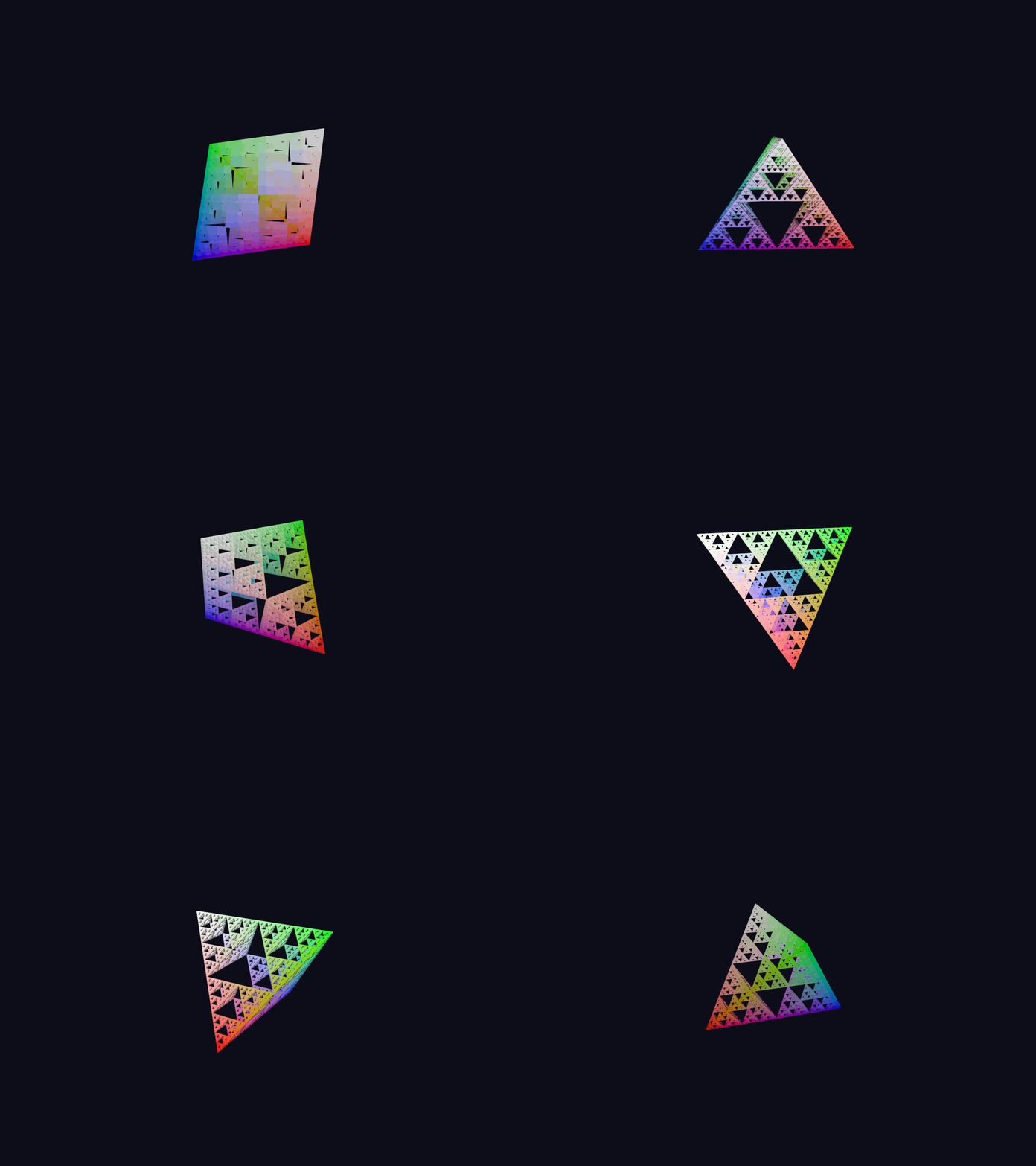
3D Fractal Explorer

3D Fractal Explorer

UI#

Examples of the UI components in Fury, including buttons, sliders, and text blocks.
Panel2D

Panel2D

Card2D

Card2D

Button2D

Button2D

Simple Shapes

Simple Shapes

PlaybackPanel UI

PlaybackPanel UI

UI Sliders

UI Sliders

TabUI

TabUI

Animation#

Examples showing how to build and control keyframe animations.
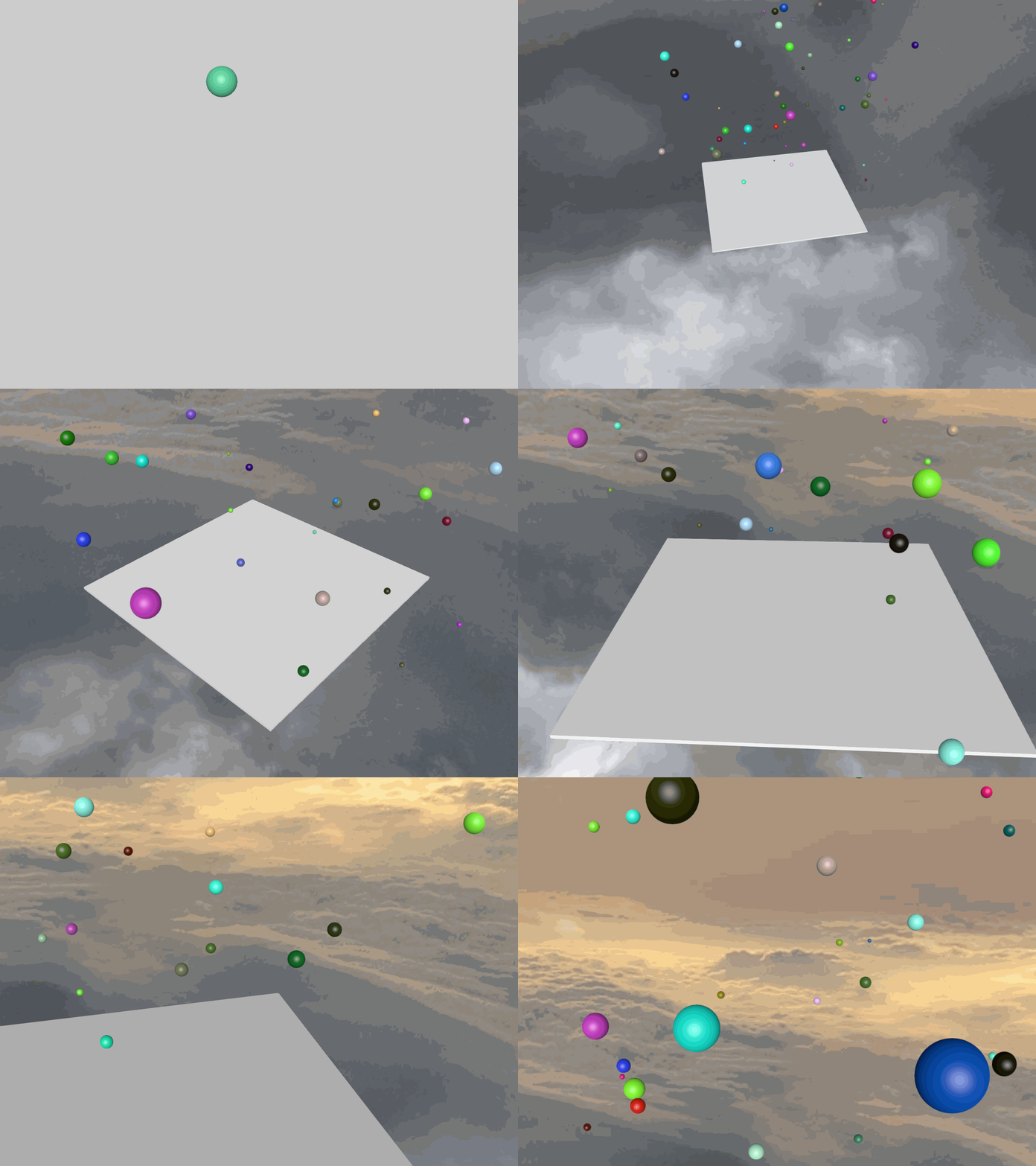
Keyframe animation: Camera and opacity

Keyframe animation: Camera and opacity

Gallery generated by Sphinx-Gallery