
Note
Go to the end to download the full example code.
ImGui Integration Example#
This example demonstrates how to integrate an ImGui user interface
into a FURY scene using the fury.window.ShowManager and
imgui_draw_function callback.
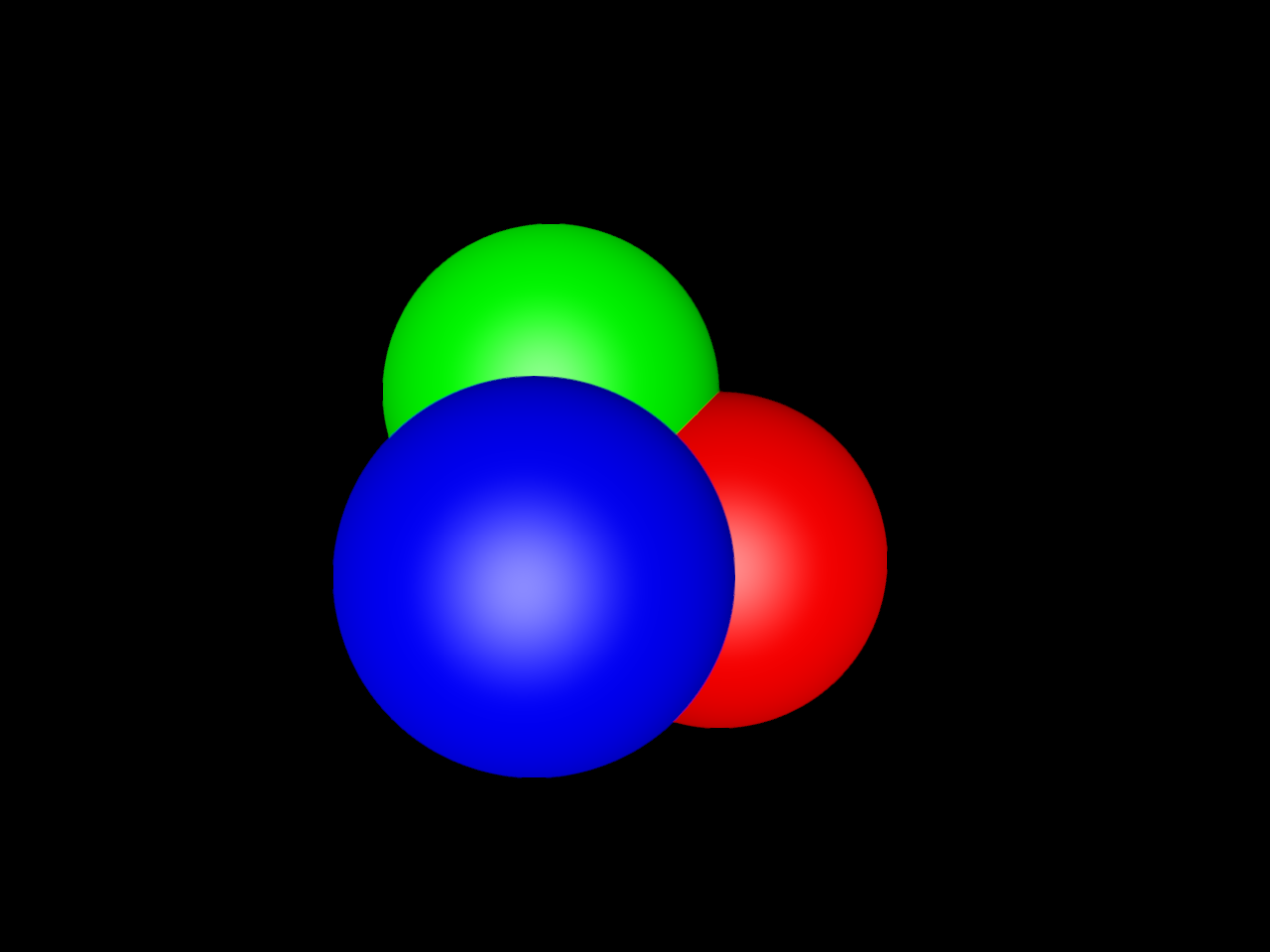
A small ImGui window is created with a checkbox that controls the visibility of a group of colored spheres rendered by FURY.
import numpy as np
from imgui_bundle import imgui

from fury.actor import sphere
from fury.window import Scene, ShowManager
First, we define an ImGui draw function.
This function will be called every frame by the ShowManager.
Inside it, we build a simple ImGui window with a checkbox that can
toggle the visibility of our actor.
def create_imgui_controls():
    # Set the initial position and size of the ImGui window. The
    # ``first_use_ever`` condition ensures this is only applied the
    # first time the window appears.
    imgui.set_next_window_pos((10, 10), imgui.Cond_.first_use_ever)
    imgui.set_next_window_size((220, 120), imgui.Cond_.first_use_ever)

    expanded, _ = imgui.begin("Controls")
    if expanded:
        # The checkbox returns (changed, value); we only need the value.
        _, visible = imgui.checkbox("Show spheres", sphere_actor.visible)
        sphere_actor.visible = visible

    imgui.end()
Now we create some simple data and build the FURY actor.
We will render three spheres at different positions, each with a different color (red, green, blue). These are combined into a single FURY actor that we add to the scene.
Next, we create the Scene and add our actor to it.
Finally, we create a ShowManager and enable ImGui support.
Passing imgui=True turns on ImGui integration, and the
imgui_draw_function argument specifies which function will be
used to define the ImGui user interface each frame.
show_m = ShowManager(
    title="FURY ImGui Integration Example",
    scene=scene,
    size=(800, 600),
    window_type="default",
    imgui=True,
    imgui_draw_function=create_imgui_controls,
)
show_m.start()
Total running time of the script: (0 minutes 0.354 seconds)