
Note
Go to the end to download the full example code.
Adding a Skybox#
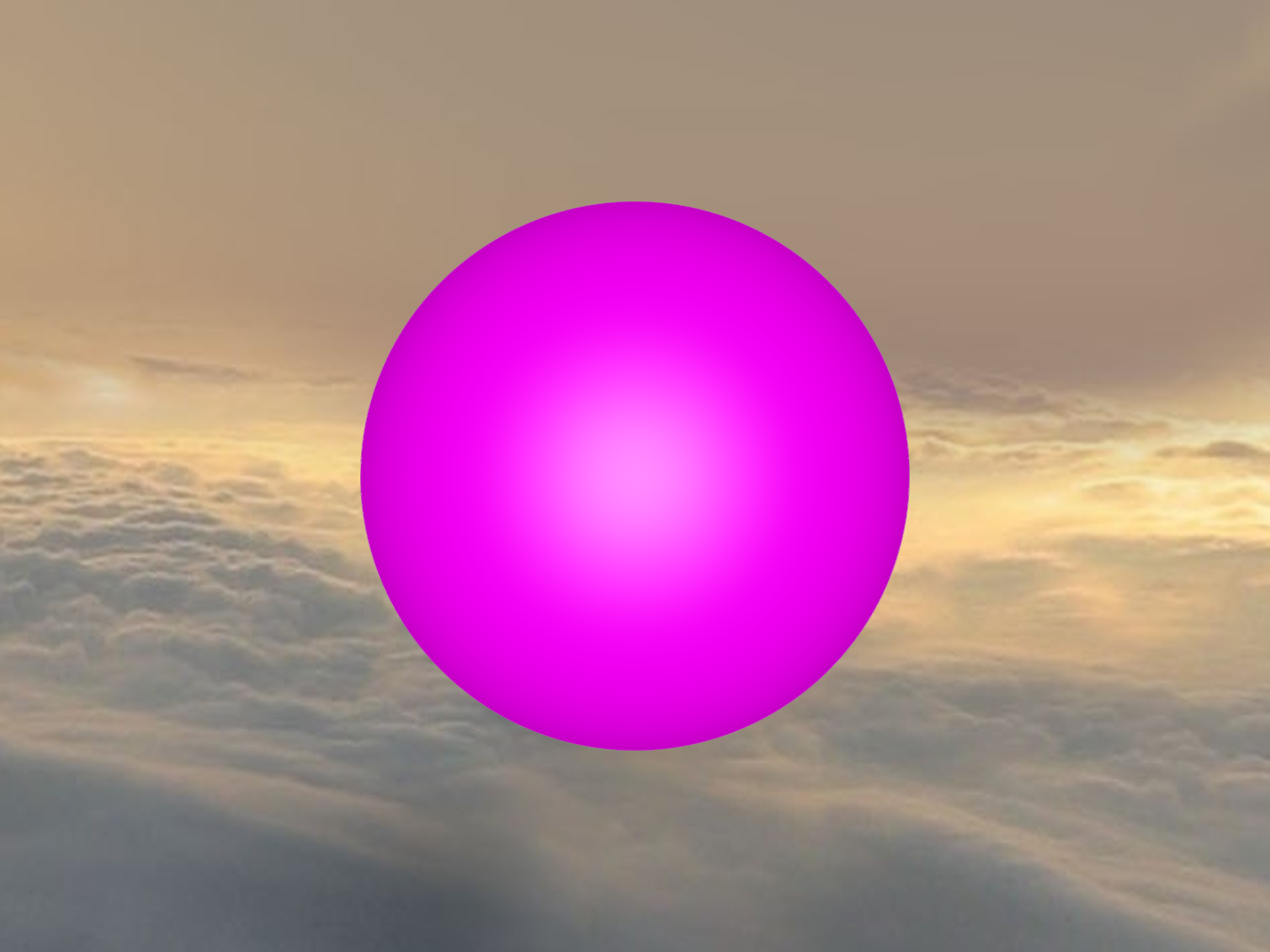
This example demonstrates how to use the add a skybox to a scene in FURY.
import numpy as np

from fury.window import ShowManager, Scene
from fury.actor import sphere
from fury.data import read_viz_cubemap, fetch_viz_cubemaps
from fury.io import load_cube_map_texture
Let’s fetch a skybox texture from the FURY data repository.
Dataset is already in place. If you want to fetch it again please first remove the folder /home/runner/.fury/cubemaps

({'skybox-nx.jpg': ('https://raw.githubusercontent.com/fury-gl/fury-data/master/cubemaps/skybox-nx.jpg', '12B1CE6C91AA3AAF258A8A5944DF739A6C1CC76E89D4D7119D1F795A30FC1BF2'), 'skybox-ny.jpg': ('https://raw.githubusercontent.com/fury-gl/fury-data/master/cubemaps/skybox-ny.jpg', 'E18FE2206B63D3DF2C879F5E0B9937A61D99734B6C43AC288226C58D2418D23E'), 'skybox-nz.jpg': ('https://raw.githubusercontent.com/fury-gl/fury-data/master/cubemaps/skybox-nz.jpg', '00DDDD1B715D5877AF2A74C014FF6E47891F07435B471D213CD0673A8C47F2B2'), 'skybox-px.jpg': ('https://raw.githubusercontent.com/fury-gl/fury-data/master/cubemaps/skybox-px.jpg', 'BF20ACD6817C9E7073E485BBE2D2CE56DACFF73C021C2B613BA072BA2DF2B754'), 'skybox-py.jpg': ('https://raw.githubusercontent.com/fury-gl/fury-data/master/cubemaps/skybox-py.jpg', '16F0D692AF0B80E46929D8D8A7E596123C76729CC5EB7DFD1C9184B115DD143A'), 'skybox-pz.jpg': ('https://raw.githubusercontent.com/fury-gl/fury-data/master/cubemaps/skybox-pz.jpg', 'B850B5E882889DF26BE9289D7C25BA30524B37E56BC2075B968A83197AD977F3')}, '/home/runner/.fury/cubemaps')
The following function returns the full path of the 6 images composing the skybox.
texture_files = read_viz_cubemap("skybox")
Now that we have the location of the textures, let’s load them and create a Cube Map Texture object.
cube_map = load_cube_map_texture(texture_files)
The Scene object in FURY can handle cube map textures and extract light
information from them, so it can be used to create more plausible materials
interactions. The skybox parameter takes as input a cube map texture and
performs the previously described process.
scene = Scene(skybox=cube_map)

sphere_actor = sphere(
    np.zeros((1, 3)),
    colors=(1, 0, 1, 1),
    radii=15.0,
    phi=48,
    theta=48,
)
scene.add(sphere_actor)


show_m = ShowManager(scene=scene, title="FURY Skybox Example")
show_m.start()
Total running time of the script: (0 minutes 0.501 seconds)