
Note
Go to the end to download the full example code.
Button2D#
First, a bunch of imports
from fury.ui import TexturedButton2D, TextButton2D
from fury.window import (
    Scene,
    ShowManager,
)
from fury.data import fetch_viz_icons, read_viz_icons
Fetch icons that are included in FURY.
Data size is approximately 12KB
Dataset is already in place. If you want to fetch it again please first remove the folder /home/runner/.fury/icons

({'icomoon.tar.gz': ('https://github.com/fury-gl/fury-data/raw/refs/heads/master/icons/icomoon.tar.gz', 'BC1FEEA6F58BA3601D6A0B029EB8DFC5F352E21F2A16BA41099A96AA3F5A4735')}, '/home/runner/.fury/icons')
Creating a Scene
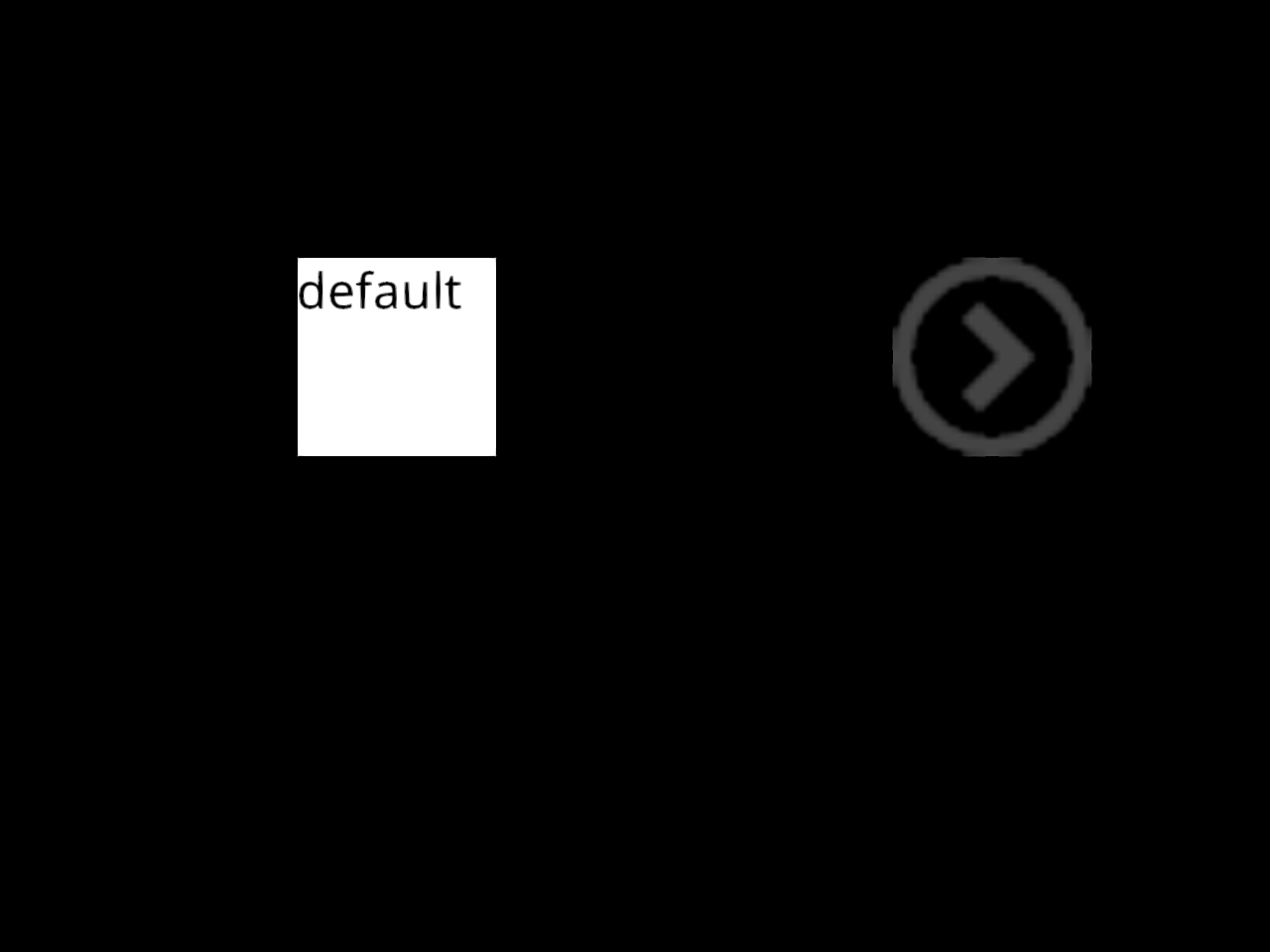
Creating a Button with multiple icons
btn = TextButton2D(
    label="Hello",
    size=(100, 100),
    position=(150, 350),
    states={
        "hover": {"text": "hover", "color": (0.9, 0.9, 0.9)},
        "pressed": {"text": "pressed", "color": (0.6, 0.6, 0.6)},
        "disabled": {"text": "disabled", "color": (0.1, 0.1, 0.1)},
        "default": {"text": "default", "color": (1, 1, 1)},
    },
)
scene.add(btn)

btn = TexturedButton2D(
    states={
        "hover": read_viz_icons(fname="circle-up.png"),
        "pressed": read_viz_icons(fname="circle-down.png"),
        "disabled": read_viz_icons(fname="circle-left.png"),
        "default": read_viz_icons(fname="circle-right.png"),
    },
    size=(100, 100),
    position=(450, 350),
)
scene.add(btn)
Starting the ShowManager
current_size = (700, 700)
show_manager = ShowManager(
    scene=scene,
    size=current_size,
    title="FURY Button2D Example",
)
show_manager.start()
Total running time of the script: (0 minutes 0.185 seconds)