
Note
Go to the end to download the full example code.
Using FURY with Qt#
This example demonstrates how to use FURY with a Qt application to create a simple GUI. It integrates FURY’s rendering capabilities with Qt’s event handling and widget system.
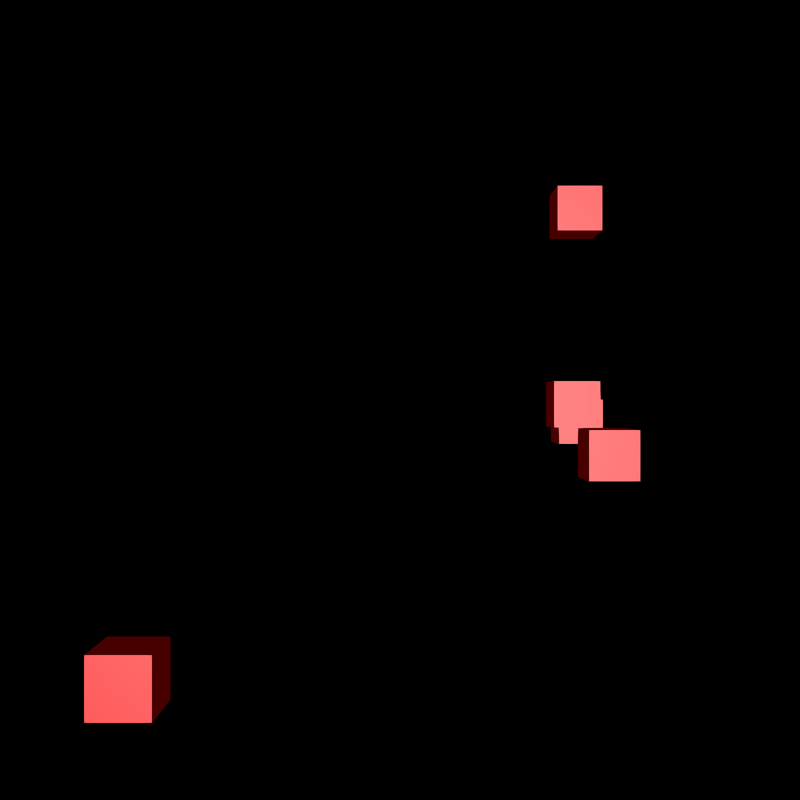
Let’s create sphere actor to add three spheres to display.
Total running time of the script: (0 minutes 6.171 seconds)